To install the correct version of Island Streams TV on your android device follow these steps
Step 1: Open a web browser in your android box
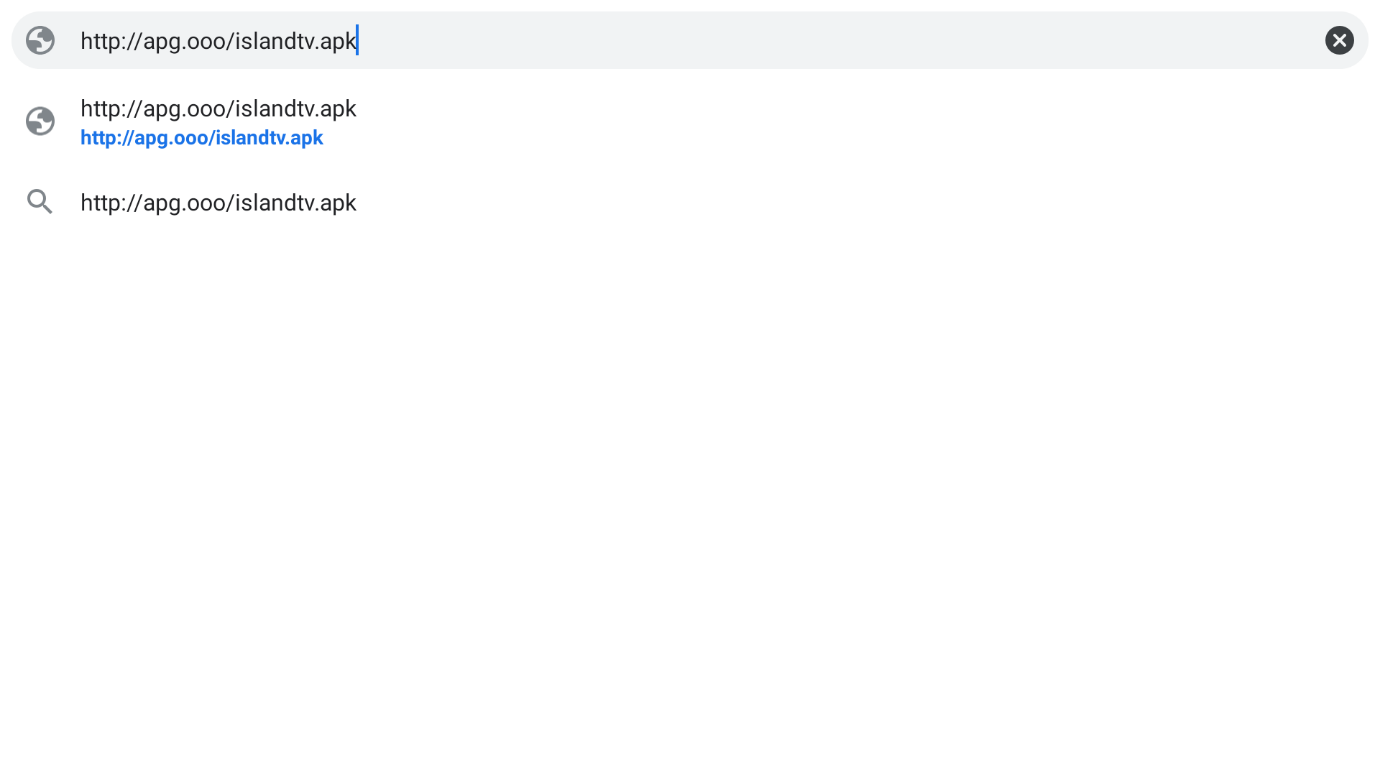
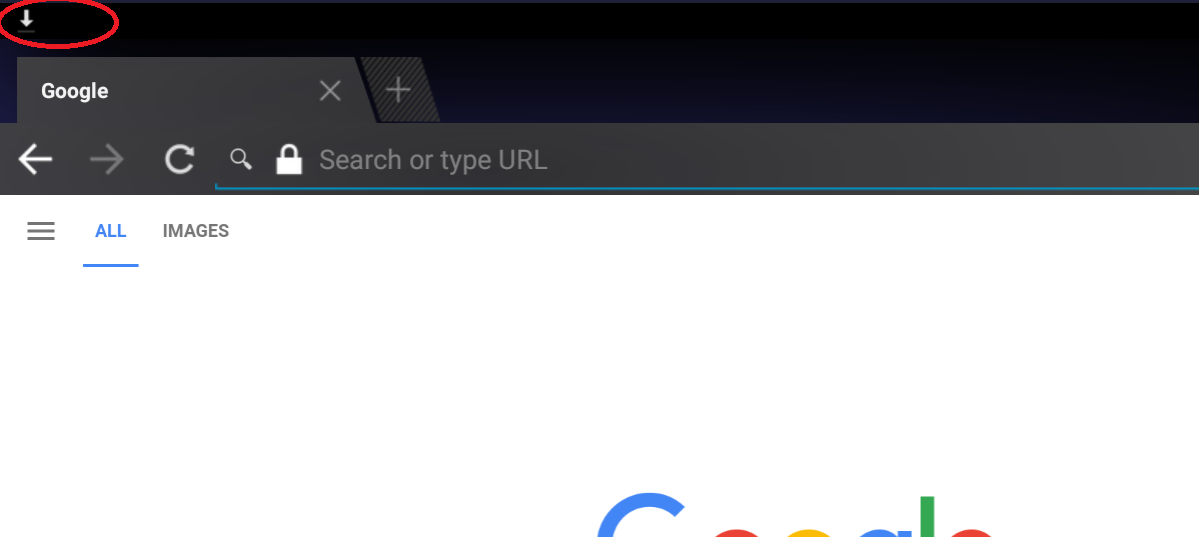
Step 2: Click Enter, you will see at the top of your screeen an arrow icon downloading the apk file.
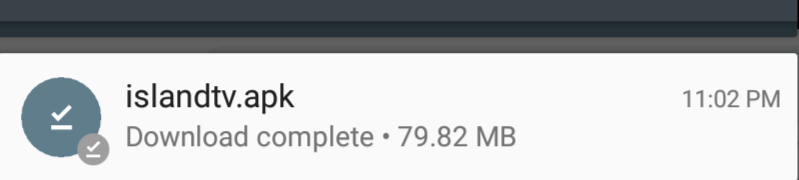
Step 3: Once download is complete you can scroll down the menu from the top using the mouse, and click on the ISLANDTV.APK
Step 4: Open Google Play and install Xplore
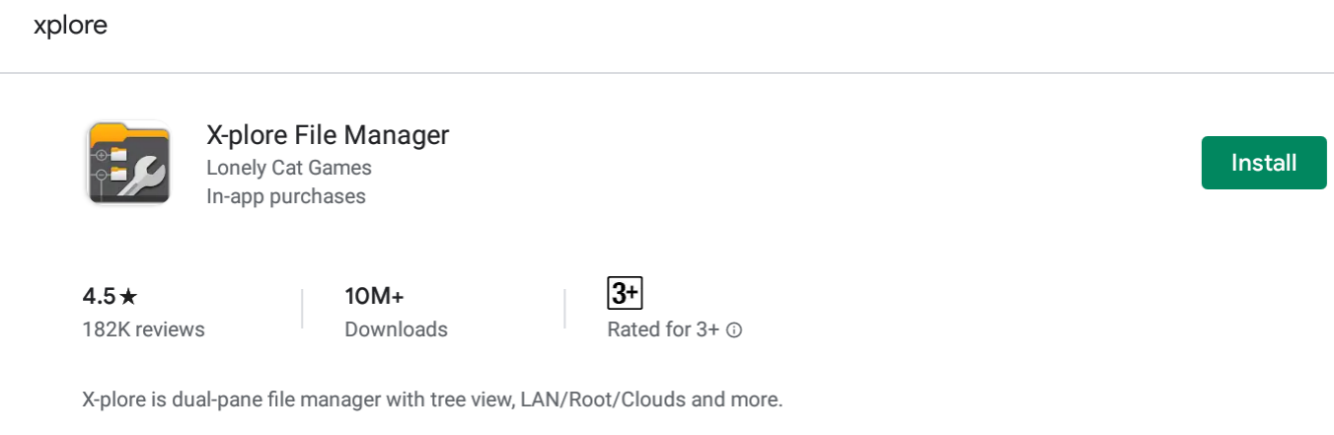
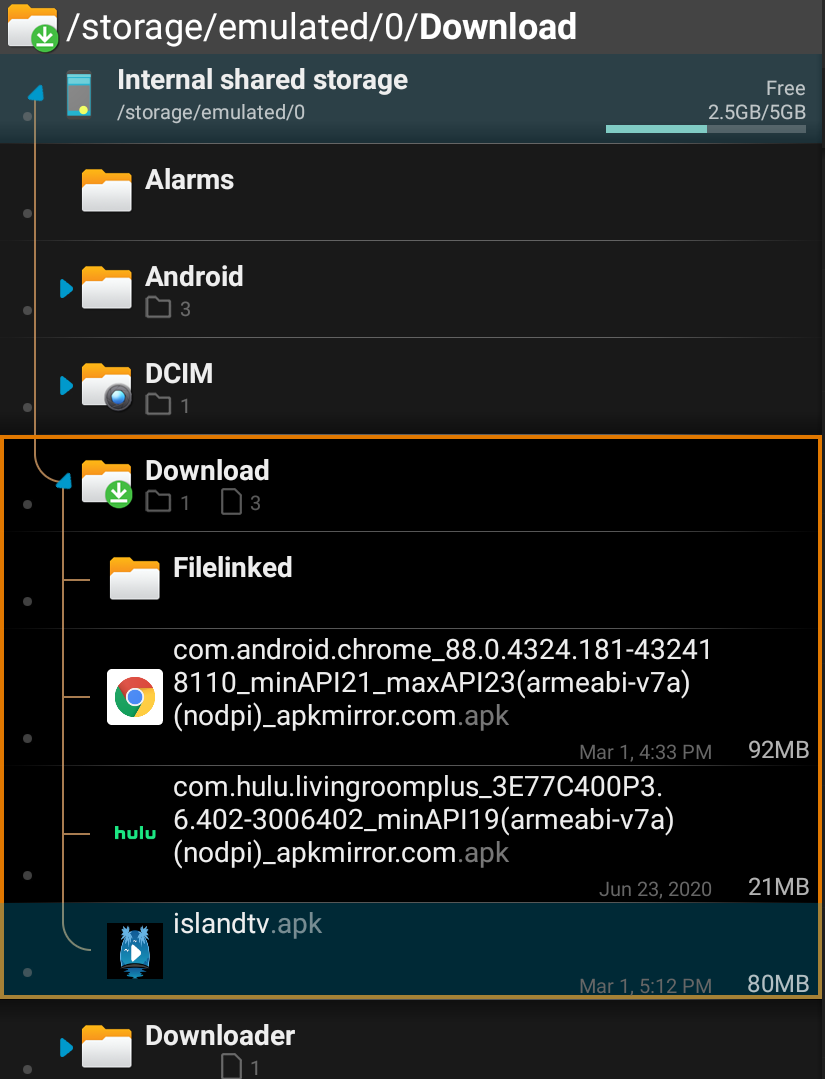
Step 5: Open the app, and search for the downloaded islandtv.apk file.
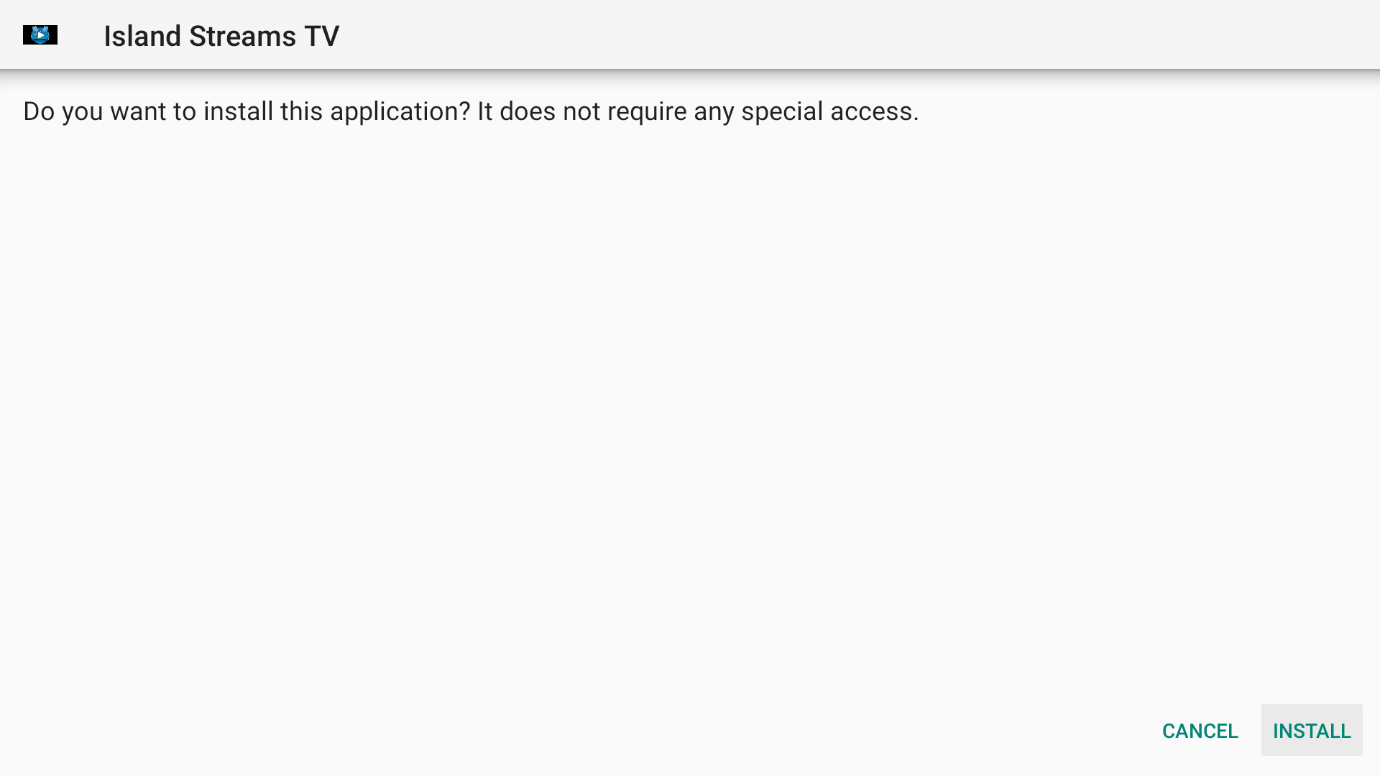
Step 6:Once you clicked it, it should open the Install Wizard, Click on Install.
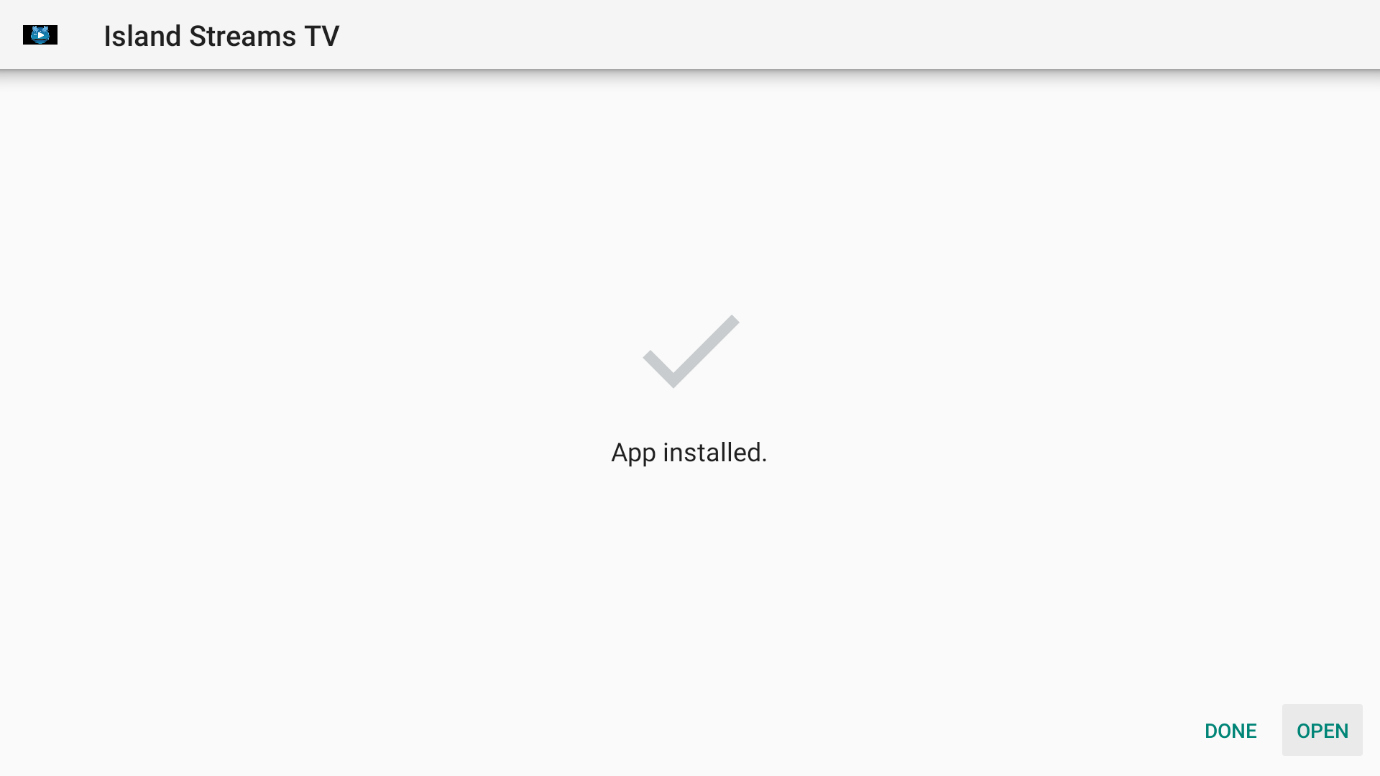
Step 7:Once it finishes installing, click on Open
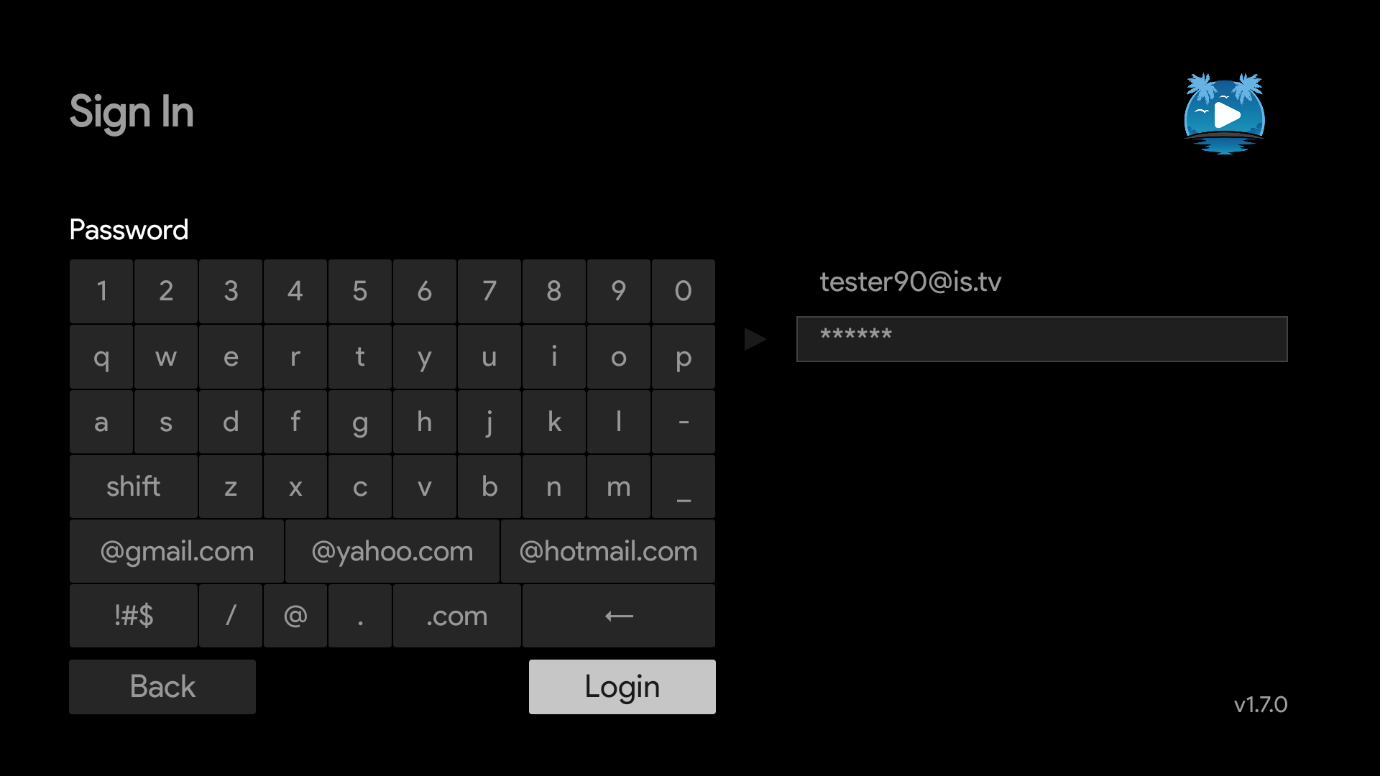
Step 8:Use your remote to enter your Email/Username in the [Email or Username] field and then press NEXT
Step 9:After entering your Email/Username click the NEXT Button and enter your password. Enter your password in the [Password] field (second line)
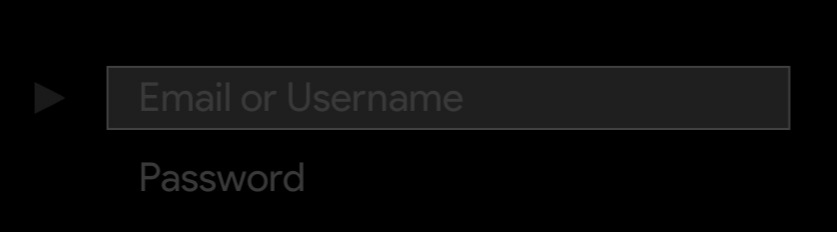
Step 10:After entering your Password click the LOGIN Button.