
Island Streams TV in TiviMate app on Android TV & Fire TV Stivk 4k
Important! Before you begin, please note we only recommend using Tivimate app for the LIVE TV CHANNELS ONLY
*Movie and TV show lists will NOT display posters in Tivimate
**For Movies and TV Shows (VOD) we highly recommend using the Island Streams TV app or Startup Show Apps.
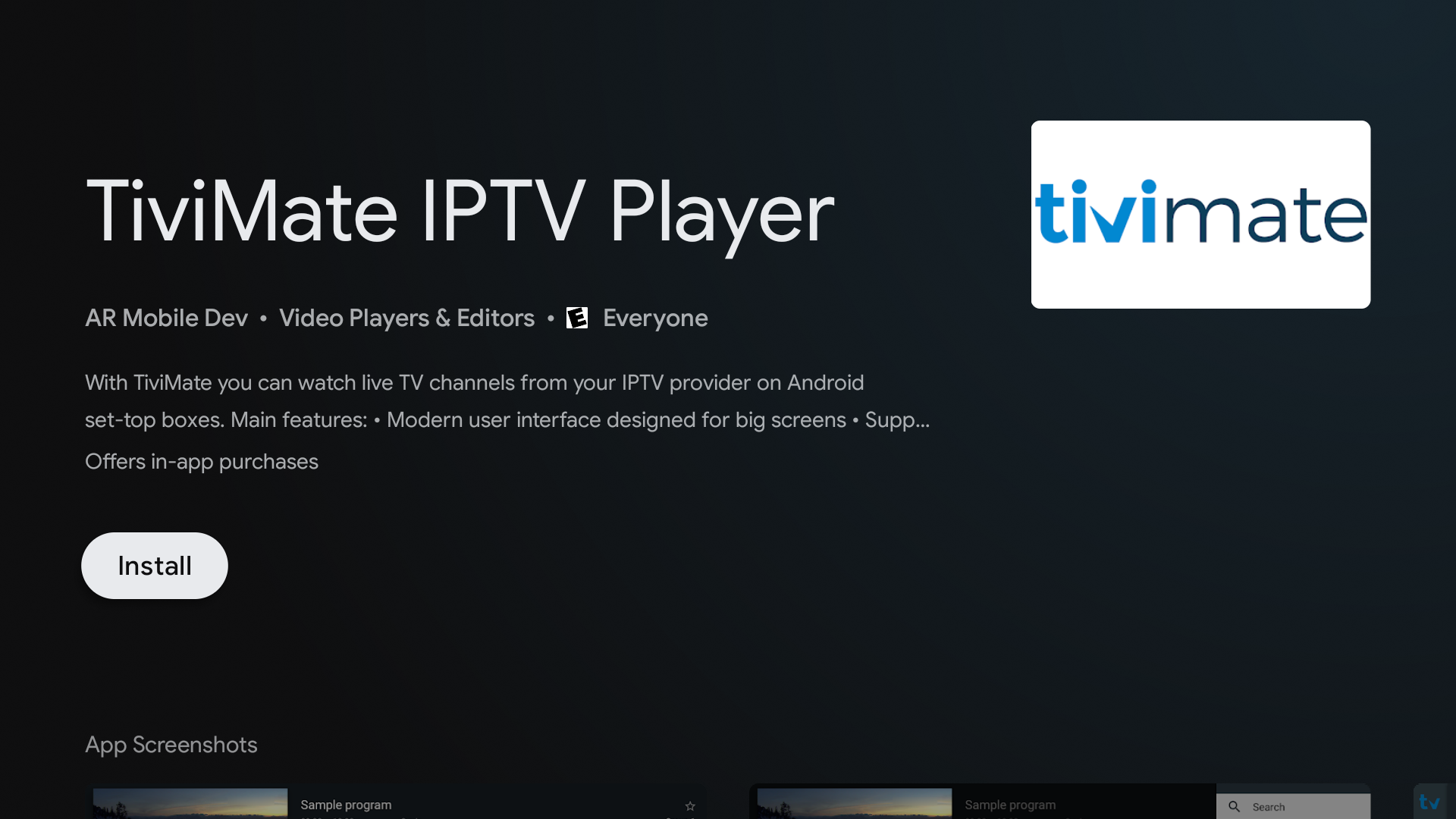
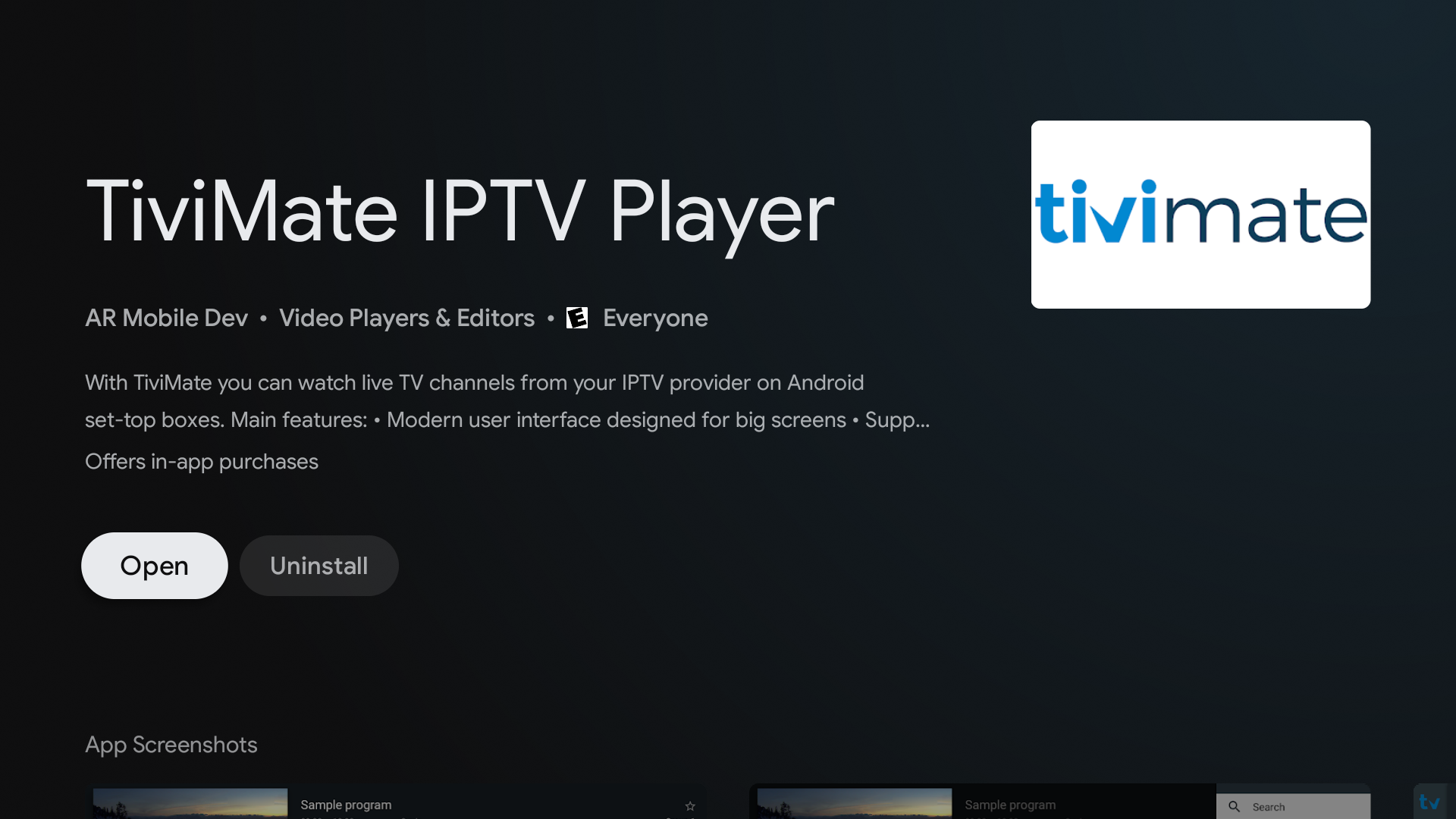
Step 1: First install the app via downloader, use this link in the Downloader app: https://troypoint.com/tivi, once downloaded open TiviMate
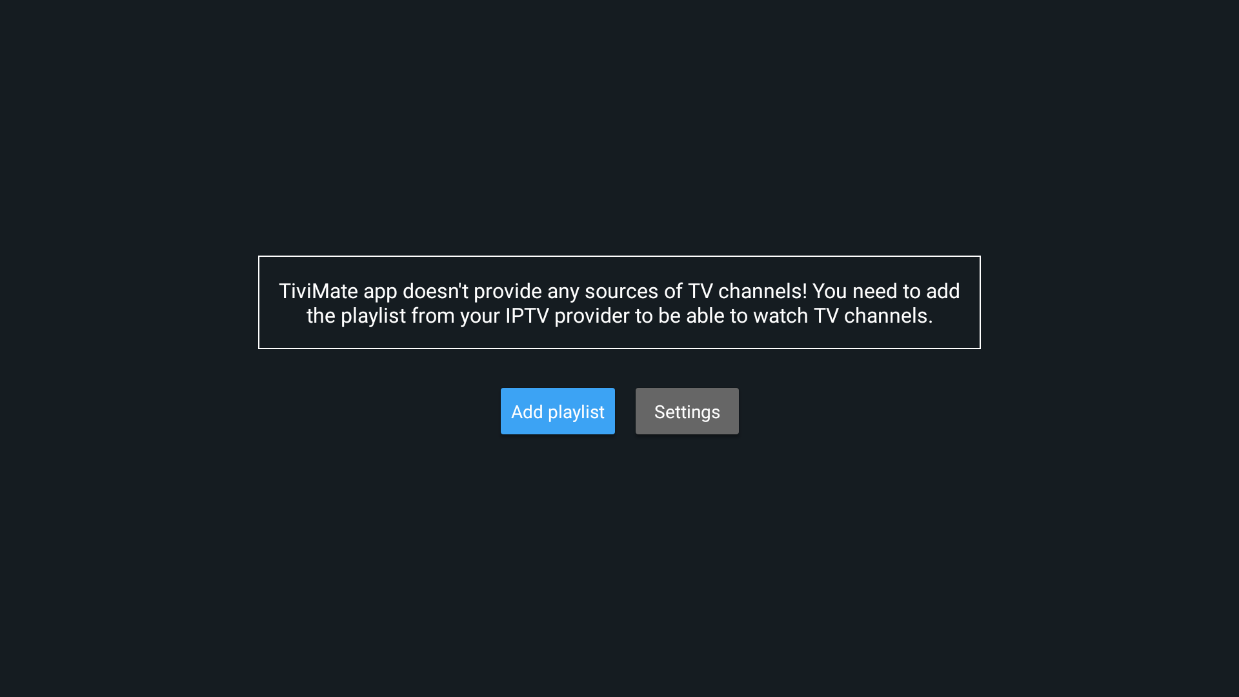
Step 2: Select add playlist button
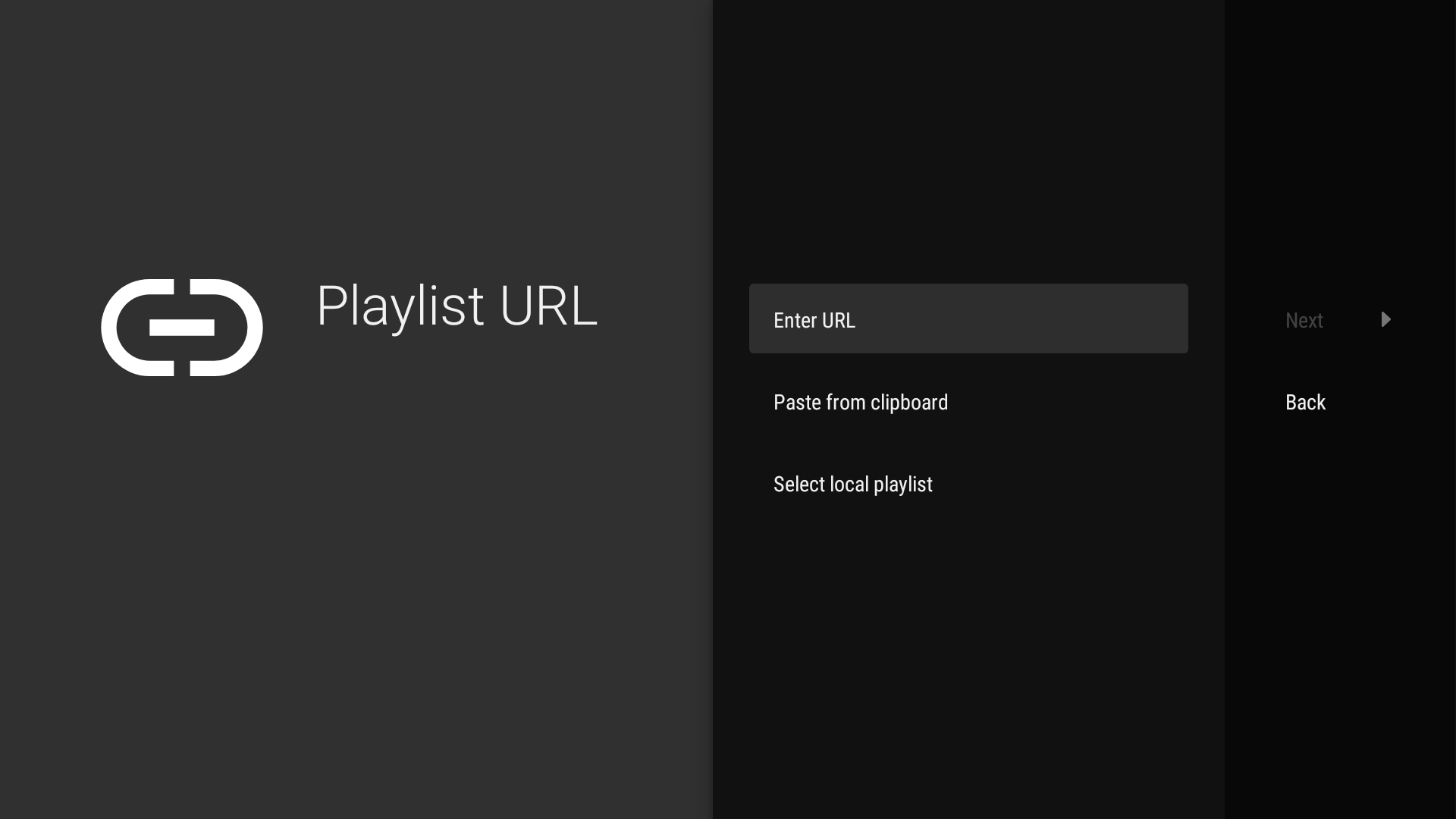
Step 3: Select Enter URL and then enter your m3u URL playlist from Island Streams.
Live TV Channels Playlist:
https://tv4.live/api/list/YOUR_EMAIL/PASSWORD/m3u8/livetv
Example:
Live TV Channels
https://tv4.live/api/list/tom911@gmail.com/ilovetv60/m3u8/livetv

Please Note! You can only add 1 playlist unless you purchase Tivimate premium version.
If you are using the free version of Tivimate we recommend adding only the live TV channels M3U playlist
Island Streams has (16) different m3u playlists.
-1 consists of live channels
-1 consists of movies video on demand (VOD)
14 consist of TV shows VOD
You will need to add all 16 m3u playlists with Tivimate premium if you want the full catalog of Live tv channels and video on demand (Movies and TV shows).
Reminder, we only recommend using Tivimate app for the LIVE TV CHANNELS ONLY
*The Movie and TV show lists will NOT display posters
**For Movies and TV Shows (VOD) we highly recommend using Island Streams TV app or Startup Show Apps
Add the playlist you want below
Insert the required m3u and replace YOUR_EMAIL/ PASSWORD with your details
Live TV Channels:
https://tv4.live/api/list/YOUR_EMAIL/PASSWORD/m3u8/livetv
Movies:
https://tv4.live/api/list/YOUR_EMAIL/PASSWORD/m3u8/movies
TV Shows:
(sorted by year of release date 1 newest - 14 oldest)
https://tv4.live/api/list/YOUR_EMAIL/PASSWORD/m3u8/tvshows/1
https://tv4.live/api/list/YOUR_EMAIL/PASSWORD/m3u8/tvshows/2
https://tv4.live/api/list/YOUR_EMAIL/PASSWORD/m3u8/tvshows/3
https://tv4.live/api/list/YOUR_EMAIL/PASSWORD/m3u8/tvshows/4
https://tv4.live/api/list/YOUR_EMAIL/PASSWORD/m3u8/tvshows/5
https://tv4.live/api/list/YOUR_EMAIL/PASSWORD/m3u8/tvshows/6
https://tv4.live/api/list/YOUR_EMAIL/PASSWORD/m3u8/tvshows/7
https://tv4.live/api/list/YOUR_EMAIL/PASSWORD/m3u8/tvshows/8
https://tv4.live/api/list/YOUR_EMAIL/PASSWORD/m3u8/tvshows/9
https://tv4.live/api/list/YOUR_EMAIL/PASSWORD/m3u8/tvshows/10
https://tv4.live/api/list/YOUR_EMAIL/PASSWORD/m3u8/tvshows/11
https://tv4.live/api/list/YOUR_EMAIL/PASSWORD/m3u8/tvshows/12
https://tv4.live/api/list/YOUR_EMAIL/PASSWORD/m3u8/tvshows/13
https://tv4.live/api/list/YOUR_EMAIL/PASSWORD/m3u8/tvshows/14
Step 4: After you have entered the M3U playlist select the next button
You can enter a name for the playlist, Island LIVE (optional) or select the Next button (on the right side)

Step 5: Enter your Tv guide url from Island Streams (EPG)

-TV Guide/EPG URL
Select Lite or Full url.
Regular version – 7 day listing
https://guidexl.tv4.live
Lite version - 48h listing (For old/small devices)
https://guide.tv4.live (Zip File)
https://guidexml.tv4.live (XML file)
Your TV guide EPG should now populate on the screen. It may take a few minutes to load your TV guide. If the regular https://guidexl.tv4.live version does not work for you after a few minutes please try the Lite version. https://guide.tv4.live/
In the event that the above EPG links do not work for you please delete Tivimate app completely and then install a fresh version of Tivimate and then try again.